Shadows vs. Blacks: The Lightroom Distinction That Anchors Every Print
An SLR Lounge tutorial argues that setting the black point — not a preset, not a filter — does more for a photograph's impact than nearly any other edit, citing Ansel Adams.
A tutorial first published in March 2016 on SLR Lounge, written by Kishore Sawh, argues that one adjustment — setting the black point — changes the impact of a photograph more than almost any other edit. That's the claim. It's a big one, and Sawh knows it, framing his piece around years of watching critique requests turn out to be fishing trips for compliments.
His remedy, honed in the darkroom and now in what he calls "digital darkrooms like, err, Lightroom," is blunt. He tells photographers to stop guessing and start setting their white and black points consciously, from capture through process to print.
What does the black point actually do?
Sawh leans on Ansel Adams, who — as Sawh reads him — insisted an image needs a point of true black and a point of true white to carry maximum impact. Both ends of the spectrum, detail-free. That runs against the grain of what most instructors teach, which is to protect detail everywhere.
He admits he resisted this for years. Was "a bit thick to it," in his words. But the doctrine holds up in his experience, provided you can see how much of the frame is genuinely full black and how much is full white. In the chemical darkroom that was painful: a print of a white shirt or a black dog might look right because the subject is "supposed" to be that tone, yet fail against any true reference white or black. Back to the enlarger.
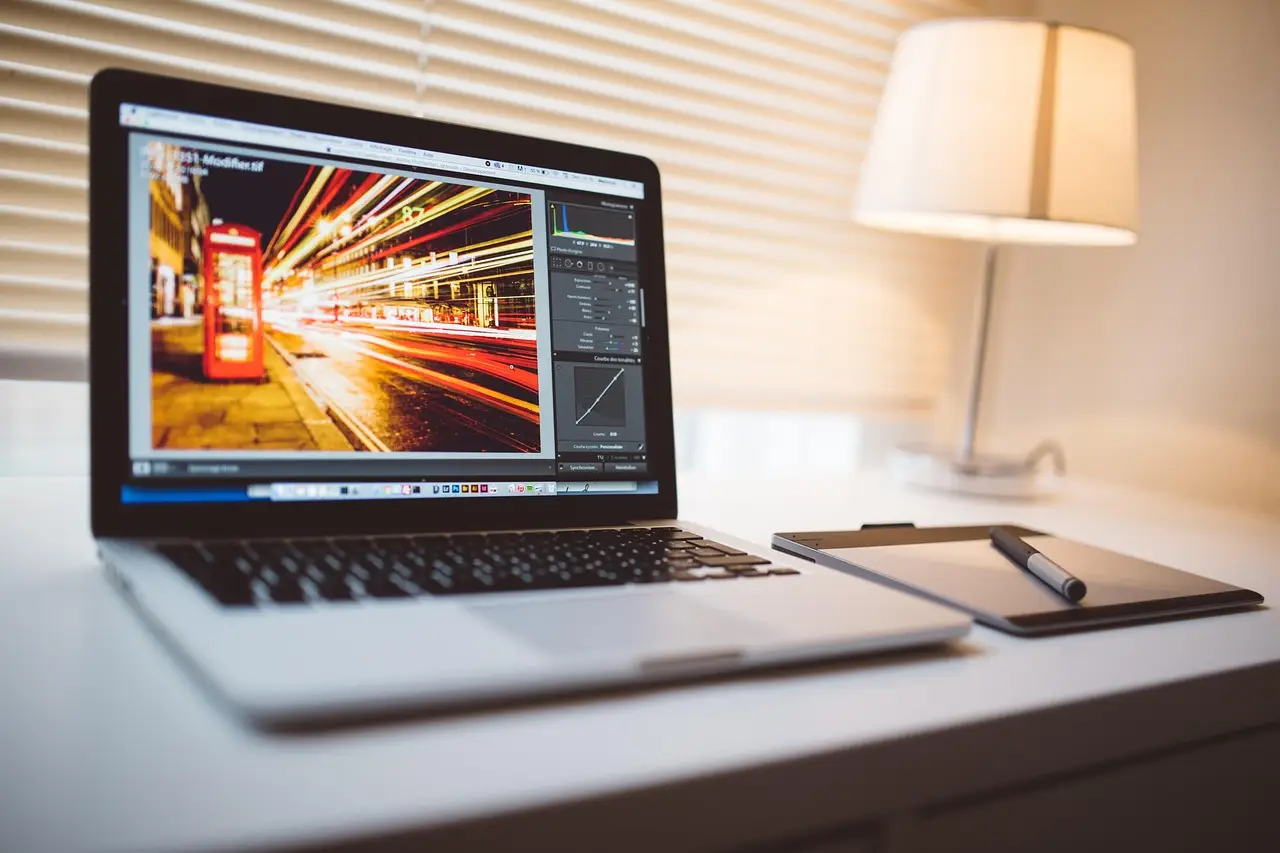
Lightroom removes the guesswork. Drag the blacks slider and the clipping indicators — the "blinkies" — show you exactly when true black enters the frame, how far it spreads, and even which color channels are clipping. It's the one clear upgrade the software offers over the tray and the safelight.
Shadows or blacks — which slider, and when?
The distinction Sawh draws is tonal range. Shadows are the darkest areas of an image that still hold detail — not black holes. Blacks are the darkest pixels, essentially devoid of detail, and the blacks slider sweeps a much wider band of tonal values than the shadows slider does.
He borrows a maxim from design education: don't use black for shadows when working in color. Shadows, the saying goes, are darker versions of the colors they sit over — never neutral black, even in high-contrast images where they appear to be.
His demonstration is worth replicating. Make a virtual copy of an image in Lightroom, drop the shadows slider all the way down in one copy, drop the blacks all the way in the other. The shadows version leaves the bright areas largely intact. The blacks version looks drastically altered — and it drags skin tones with it, which is where portraits go wrong.
The practical order, then, is anchored: set the black point first, because the shadows slider will not move it, just as the highlights slider will not move the white point. Then work the shadows within the range the blacks have established. Misuse the blacks slider and you can wreck an image faster than any other single control.
Is this the whole story?
Sawh is candid about the limits of the advice — he confesses the concept escaped him for years, and that his critique-seekers mostly wanted praise, not correction. What he doesn't address is when true black isn't wanted: high-key work, matte-print aesthetics, anything built on lifted blacks. The Adams doctrine is a default, not a law.
The piece is the second in a pair, following his earlier breakdown of highlights versus whites, which he recommends reading first. Both feed into SLR Lounge's paid Lightroom Workshop and its Premium membership — so the free instruction has a storefront attached. That doesn't invalidate the craft lesson, but readers should know the funnel exists.
Sawh promises that this one distinction, properly understood, "changes almost instantly" what a photographer can do. Whether it survives contact with your own RAW files is the test the tutorial leaves to you.
Key points
- SLR Lounge tutorial by Kishore Sawh, originally published March 2016, covers shadows vs. blacks in Lightroom
- Cites Ansel Adams' doctrine that an image needs a point of true black and true white
- Lightroom clipping 'blinkies' show when true black is introduced and which color channels clip
- The blacks slider covers a wider tonal range than shadows and affects skin tones more
- The piece follows an earlier companion article, Highlights vs. Whites
Source: slrlounge.com
Daniel Okafor
Show full bio
News editor covering companies, deals and strategy in Photography exhibitions, photographers, photo books, festivals and awards at Lens Gazette.