M6 iMac Review: Fast Photos, an Unchanged Display, Real Limits
Apple’s M6 iMac delivers fast, quiet photo and video workflows from $1,499, but its 500-nit display, lack of Thunderbolt 5 and SD slot limit the proposition.
By Daniel Okafor
The M6 iMac starts at $1,499, but the reviewed four-port blue machine costs $1,899 and keeps the 2024 M4 iMac’s 24-inch 4.5K Retina display rather than adding a new chassis or panel.
The review calls it the best all-in-one for photographers. That verdict has evidence behind it, but the unchanged hardware and measured omissions deserve equal billing.
What actually changed?
Only the processor offers a material upgrade. The two-port M6 iMac has a 10-core CPU and 10-core GPU; the four-port version raises both to 12 cores. Both supply 16GB unified memory and a 256GB SSD.
At $1,699, the four-port model supports up to 32GB RAM rather than 24GB and a 2TB SSD rather than 1TB. It also places 2.5Gb Ethernet in the power brick. The blue review unit pairs 16GB with a 512GB SSD for $1,899.
The M6 supplies Apple’s fastest CPU cores to date and improved AI performance; all else equal, the reviewer judged it better than M5. That matters in Lightroom Classic and Photoshop, where much of the work remains CPU-bound and increasingly uses AI.
- Lightroom performance ran about 10% ahead of the reviewer’s M5 MacBook Pro from the previous year, although that notebook had 32GB memory against the iMac’s 16GB. The result still favoured the M6 by a healthy margin.
- In Lightroom, export speed lagged Apple’s higher-end Pro- and Max-series chips but barely trailed elsewhere. Unlike the earlier M6 Mac mini, the iMac showed no JPEG-export problem; the gallery chart removed the mini’s outlier result.
- Photoshop performance edged beyond the M6 Mac mini, though not by much. The reviewer could not determine whether the difference came from the iMac’s thermal design or software optimisation; the first M6-powered Mac had also been tested before its public launch.
- Premiere results were only marginally better than the mini and fell within the margin of error. The 32GB M5 MacBook Pro still beat the 16GB M6 iMac, evidence that memory can outweigh the newer chip. That made 24GB or 32GB the relevant configurations for Premiere-heavy work.
- DaVinci Resolve delivered an especially strong result. Blackmagic Design’s software update since the Mac mini launch may explain some of the gain, but the source did not establish a cause.
During ordinary photo importing and editing, the iMac stayed completely silent; the fan ran only intermittently during Premiere and Resolve benchmarks, and quietly.
It is not the fastest Mac: the M5 Ultra Mac Studio costs many times more and serves demands few users will encounter. The iMac is not a cutting-edge professional workstation, but it performs enough for most photographers and many video editors.
Does the built-in display serve the work?
The 24-inch 4.5K Retina panel measures 4480 × 2520, uses an LED backlight, reaches 500 nits and covers Wide color (P3). For photography, the reviewer considered 500 nits ample, and potentially too bright for print work.
That limit is less comfortable than it sounds. Although users can customise the white point, the iMac cannot lock brightness to a chosen value such as 120 nits for a printing workflow. Manual adjustment or calibration with an external device remains necessary.
For HDR video, 500 nits is insufficient, according to the review. Colour rendering is not high-end either, and black levels trail MiniLED and OLED panels. Even so, the Retina screen looks sharp and vivid for photographs and films. The reviewer recommends a dedicated calibration device for serious photographers.
A nano-texture glass option costs $200 extra and requires a configuration with at least 24GB unified memory.
What does the design still leave out?
There are no Thunderbolt 5 ports, a built-in SD card reader or USB-A sockets. MacBook Pro and Mac Studio provide card slots, while the reviewer conceded Thunderbolt 5 may be overkill for many buyers, yet still disliked its absence on the higher-spec iMac.
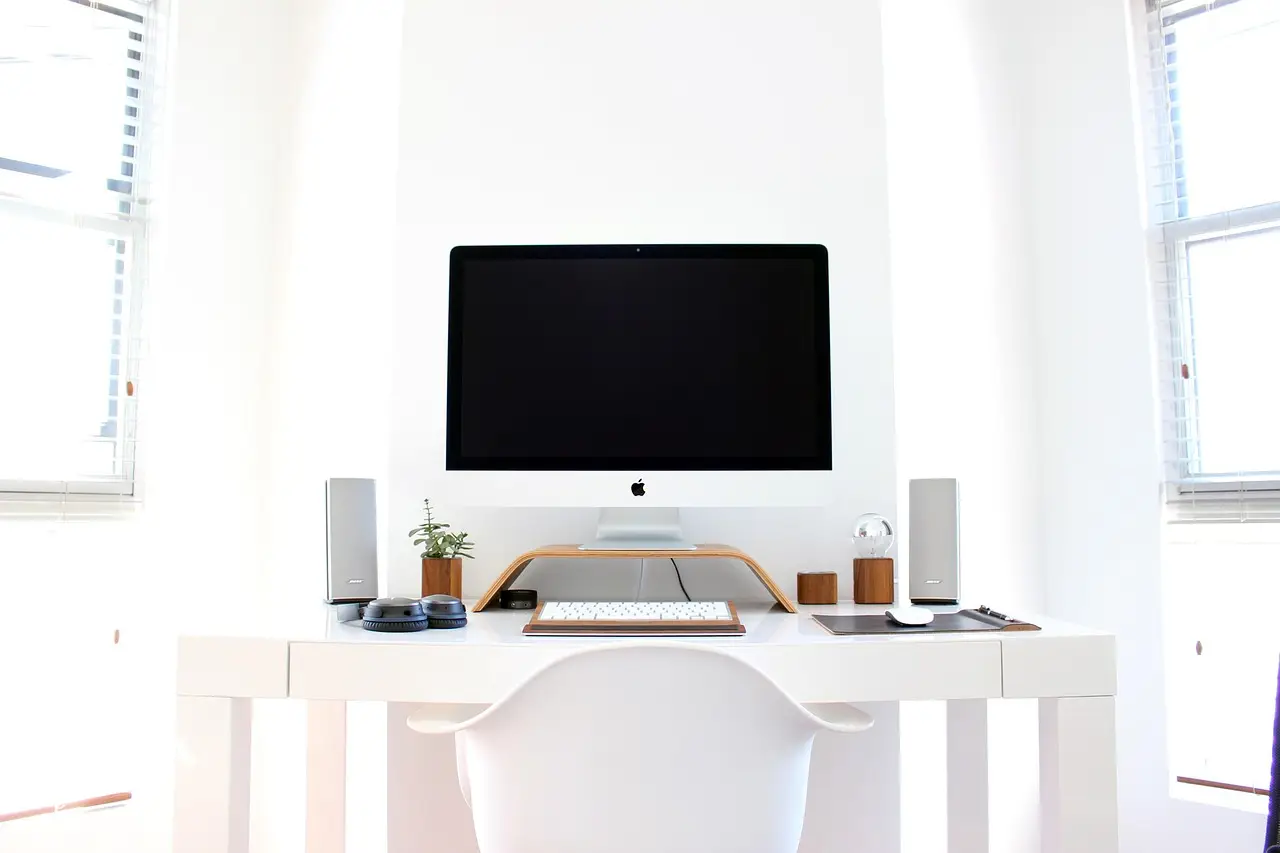
Apple offers six bright finishes plus silver; the reviewer judged all seven handsome, with blue among the strongest. The soft-blue front, darker sides and rear create a two-tone effect.
A colour-matched Touch ID Magic Keyboard without number pad and blue Magic Mouse come as standard. A matching Trackpad costs $50, while a keyboard with number pad costs $30 extra. Apple also supplies a light-blue USB-C charging cable, matching power cord and the glossy white power brick.
That brick was scratched almost immediately. Its magnetic connection to the computer gives a firm, satisfying snap and is stronger than MagSafe on a MacBook. The blue stand feels well made and tilts securely, but it offers no height adjustment. A VESA Mount Adapter is free, though choosing it removes the stand.
The six-speaker system uses force-cancelling woofers. Sound is good but light on bass, can become impressively loud, and remains behind the speakers in the reviewer’s Pro Display XDR.
A side-mounted 3.5mm headphone jack supports high-impedance headphones. The 12MP Center Stage camera offers Desk View at 1080p and works for FaceTime and meetings. Apple calls the three-microphone array “studio-quality”, though the reviewer found that label undefined and considered it fine for daily calls; dedicated equipment remains preferable for polished podcasts or video.
Does the iMac still matter?
The reviewer’s personal history runs from the first-ever graphite iMac G3, with its matching hockey-puck mouse and Mac OS 8, at age eight, through a Power Mac acquired to play games and browse the early web, then an Intel-powered 21.5-inch unibody iMac bought by his parents in the 2010s.
The G3’s friendly, bulbous face, colour and straightforward operating system explain the review’s emphasis on familiarity. That affection sits uneasily beside the product’s diminished place in Apple’s line: laptops took the mass market, while Mac Studio became the specialist choice.
The iMac still simplifies the package by combining display, computer and accessories. A Mac mini can cost less, but buyers need a separate screen. For Windows photographers, HP’s OmniStudio range offers larger displays, though some inexpensive models use weak processors. Dell makes iMac-like all-in-ones at several prices, and Acer and Lenovo also compete.
The source reviewer’s conclusion was blunt: “The iMac just works.” Nearly 30 years after first using a Macintosh, the same proposition still holds: accessible, familiar and largely friction-free. That supports the review’s recommendation for people who prioritise simplicity and performance, while the 500-nit panel, absent card reader and limited high-speed connectivity keep the “best” label conditional.
A future iMac would be more convincing with an SD card reader, Thunderbolt 5 and numerical brightness control, because those—not the M6’s speed—define this model’s limits.
Key points
- $1,499 starting price for the two-port M6 iMac; the four-port model starts at $1,699.
- The reviewed blue configuration costs $1,899 with 16GB unified memory and a 512GB SSD.
- Its 24-inch 4.5K Retina display measures 4480 × 2520, peaks at 500 nits and covers P3.
- Lightroom performance was about 10% faster than the reviewer’s 32GB M5 MacBook Pro.
- The M6 iMac keeps the 2024 M4 design and display and omits Thunderbolt 5, SD and USB-A.
Original: youtube.com
Daniel Okafor
Show full bio
News editor covering companies, deals and strategy in Photography exhibitions, photographers, photo books, festivals and awards at Lens Gazette.