Capture One 16.9 Automates Stray Hair Removal for Portrait Retouchers
Capture One 16.9 introduces Stray Hair Removal, Skin Tone and Body Skin Retouching, a redesigned Advanced Color Editor, and a stable Multi-User Sessions feature for studio teams.
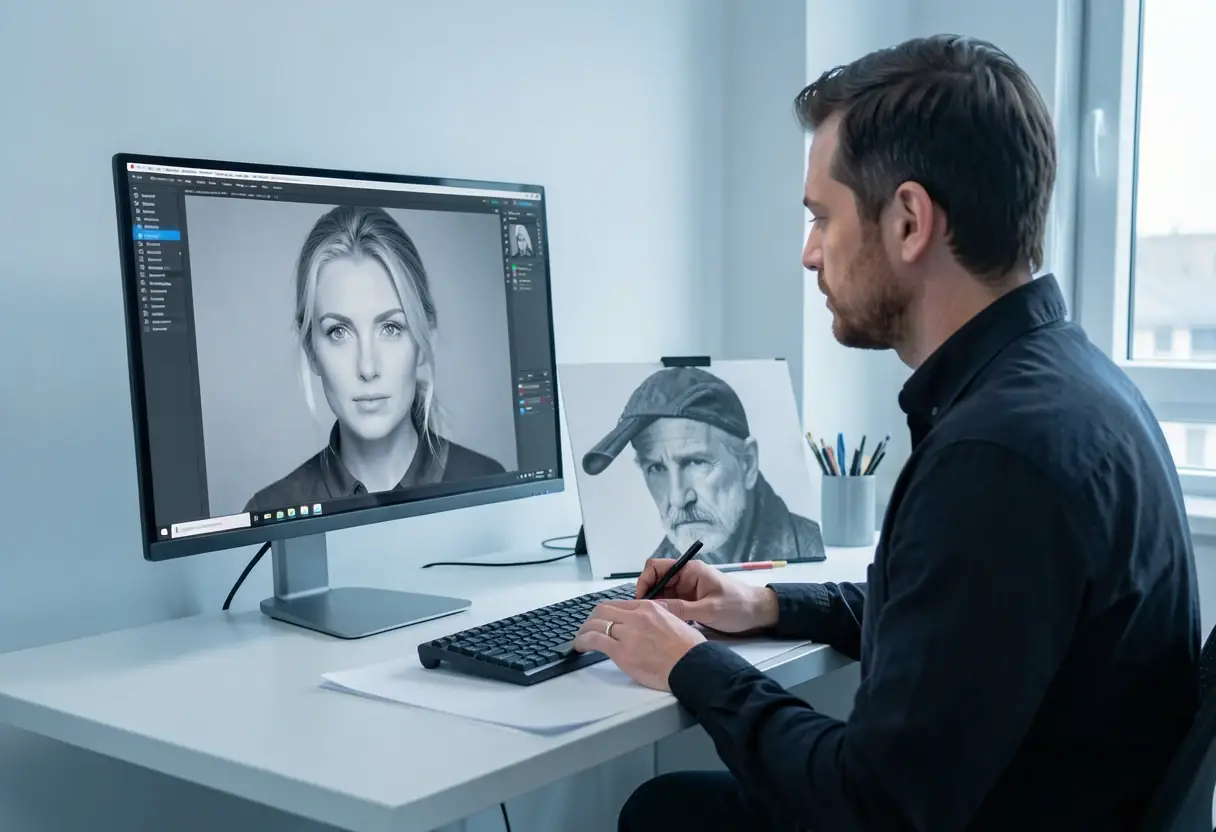
Capture One 16.9 for desktop and 4.2 for mobile are live, and the headline feature is a Stray Hair Removal tool that ends the manual, one-strand-at-a-time routine portrait retouchers have tolerated for years. The release pairs it with Skin Tone Retouching and Body Skin Retouching, plus a rebuilt Advanced Color Editor. Existing users can update now; new users get a 7-day free trial, with subscriptions starting at $18 per month when paid annually.
What does Stray Hair Removal actually do?
The tool automates a task that has long pushed photographers out of Capture One and into third-party software. Not every stray hair is a defect, so the designers built in a slider and a protection brush. The slider sets how much hair gets removed. The brush marks the strands that must stay.
Senior Principal Software Engineer Theis Karger Philipsen said the feature came from persistent user pressure. "Portrait and headshot photographers kept asking us to solve this inside Capture One, instead of having to jump to another tool," he said. "Turned out to be a genuinely fun problem to tackle."
The training method was unusually concrete. The team began with mannequins and wigs. Once the model performed well on synthetic hair, they moved to real hair and photographs of actual people. The launch slipped from a planned spring release because the team judged the model needed more refinement. Philipsen said the summer went into that work, with professional headshot and portrait photographers alpha testing along the way. "This is our first version, and the wigs are still sitting on my desk as I am waiting for feedback from our users as they start working with it," he concluded.
The takeaway: a long-demanded retouching task now sits inside Capture One, but the company itself frames it as version one, dependent on user feedback.
How has color editing changed?
The Advanced Color Editor gains a new Target picker and a redesigned color wheel. Together they let a user shift any color to any other color in a few clicks. The use case Capture One emphasizes is on-set, not in post. A digital technician can show a photographer, art director or client how a prop, garment or product reads in a different tone while the shoot is still running, so creative decisions happen in the moment rather than afterwards.
Two further controls sharpen precision. Users can now type exact RGB and HSL target values, which matters when matching a specific reference color. A new Uniform control governs how consistent a color appears across a surface.
Product Manager Daniele Brazzolotto framed the redesign in terms of the tool's core audience. "For this release we have redesigned one of our most powerful tools, used by photographers who take color seriously," he said. "We made the Advanced Color Editor more capable by adding a Target picker and a redesigned color wheel that let you move any color to any other in a few clicks."
The takeaway: color work moves earlier in the pipeline, from the edit back onto the set itself.
What else is in the release?
Multi-User Sessions, a desktop-only collaboration feature, has left beta. The stable version adds several refinements:
- Collaborators can now export images directly.
- A Follow mode tracks the latest image in the session.
- A new indicator section shows the sync status of session images.
Camera support has also widened. Both the desktop and mobile applications can now view files from the Nikon Z5 IIC and the OM System PEN.
Where is Capture One heading?
CEO Rafael Orta supplied the clearest statement of intent. "We are building toward a future where the photographer is the author, not an algorithm. Our tools fade into the background so photographers can lead," he said. That claim sits in tension with the release's automated retouching, and users will judge whether the balance holds. With version one of Stray Hair Removal now in photographers' hands, and the wigs still on Philipsen's desk awaiting feedback, the next update cycle will show how far the automation matures.
Key points
- Capture One 16.9 desktop and 4.2 mobile ship Stray Hair Removal, Skin Tone Retouching and Body Skin Retouching.
- Subscriptions start at $18 per month billed annually; a 7-day free trial is available.
- Multi-User Sessions exits beta on desktop, adding image export and a Follow mode.
- The Stray Hair Removal model was trained first on mannequins and wigs, then on real photographs.
- New camera support covers the Nikon Z5 IIC and OM System PEN.
Source: PetaPixel
Grace Kim
Show full bio
Senior reporter covering companies, deals and strategy in Photography exhibitions, photographers, photo books, festivals and awards at Lens Gazette.