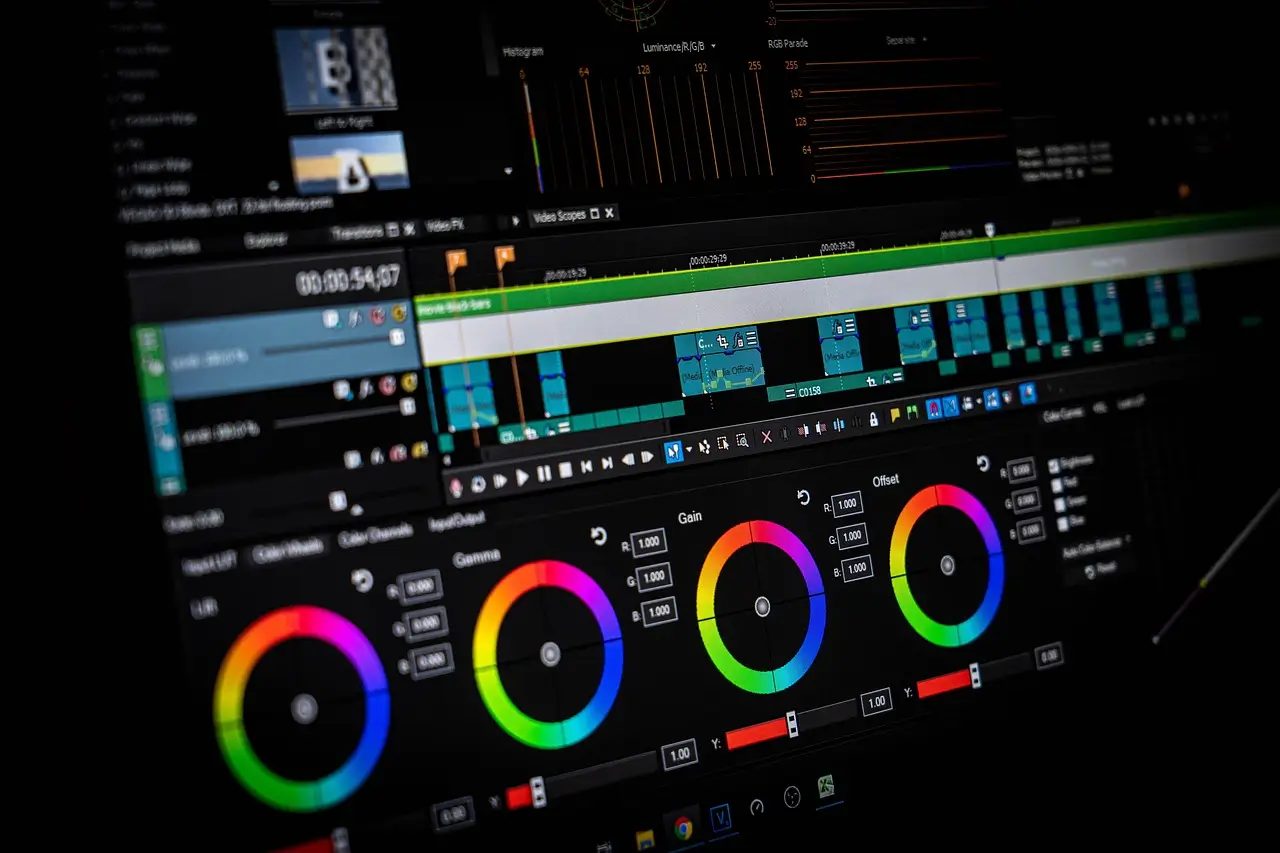
Lightroom Classic 16.0 Reshapes the Working Photo Archive
Lightroom Classic 16.0 brings pre-import filters, catalog cleanup, a vectorscope, masked colour grading, depth masks, focus-point display and wider lens support.

Lightroom Classic 16.0 is now available to every subscriber through the Lightroom Classic app or Adobe’s Creative Cloud app.
Adobe’s MAX press kit gave Lightroom only a few updates and no specific attention to Lightroom Classic. Version 16.0 nevertheless carries the new Glow and Blemish Removal tools mentioned by Adobe, alongside a larger set of changes to catalog maintenance, colour analysis and masking.
Within Adobe’s photography workflow, Classic serves as a RAW editing and organisation application. Version 16.0 treats the machinery of selection, storage and revision as seriously as the visible image.
What changes before the import?
Photographers can now filter images before importing them into Lightroom Classic 16.0. Lightroom recognises and preserves in-camera ratings, colour labels, protected status and file types, reducing the need to rebuild metadata after transfer.
The same filters carry into the relatively new Assisted Culling workflow. Adobe says the combination promises faster results and less bloated catalogues, which is more useful than another decorative control with no clear purpose.
Version 16.0 can also clear earlier history states from edited photographs while preserving their final appearance. Users can clean multiple photos, folders or entire collections, which Adobe says can significantly reduce catalogue file size.
Cleanup can also run on a schedule. Adobe says automatic removal can keep catalogues lean without deleting data that might prove useful during a particular project.
What does the vectorscope add?
Lightroom Classic 16.0 adds a vectorscope for analysing colours and skin tones. Neutral blacks, greys and whites sit at the centre; greater distance indicates more saturation, while direction from the centre indicates hue.
Adobe publishes a detailed explanation of the scope on its support website. The display can look intimidating at first, even to photographers familiar with DaVinci Resolve’s equivalent.
Its practical value is comparative colour assessment, including work across multiple colour spaces. That makes the vectorscope an instrument for judging an edit rather than another isolated effect.
How far do the masking changes reach?
Colour Grading in version 16.0 can apply tints only inside a masked area. Editors can work separately on shadows, midtones and highlights without carrying those shifts across the rest of the frame.
The Masking panel also lets photographers rearrange controls and place frequently used sliders in a Favorites section. It is housekeeping rather than spectacle, but housekeeping saves time.
Version 16.0 extends Classic’s existing subject-detection and masking tools with an AI-powered depth mask. It can select the foreground, middle ground or background, works on any photograph and permits manual refinement.
Adobe also uses depth information already embedded in some files to construct that mask. The starting point may therefore come from the file, while final control remains with the editor.
What can camera data reveal?
Lightroom Classic 16.0 can display the focus point recorded in RAW files from selected Canon, Nikon and Sony cameras, provided the camera records autofocus data. The feature makes a discrete piece of capture metadata visible within the catalogue.
The Transform panel also gains a Projection slider for correcting distorted faces and objects near the edge of the frame, especially when using a wide-angle lens.
Which cameras and lenses are covered?
Camera support is brief in version 16.0: Adobe Camera Raw 19.0, included inside Lightroom Classic 16.0, adds the Apple iPhone Duo’s Ultrawide and Wide cameras.
Lens support covers Apple’s iPhone Duo cameras and lenses from Laowa, Sigma, Sony and Tamron. Adobe names these new profiles:
- Sony FE 8-14mm f/3.5 Fisheye G, FE 400mm f/4.5 GM and FE 600mm f/6.3 GM.
- Sigma 50-120mm f/2.8 DC OS and Tamron 17-70mm f/2.8 RF.
The Glow tool, added to Adobe Camera Raw earlier in the year, now reaches Lightroom. In version 16.0, it adds a soft glow around highlight areas with adjustable controls.
Blemish Removal, first introduced in Lightroom for mobile, now appears in Lightroom on the desktop, including Lightroom Classic. These are the two changes Adobe explicitly discussed at MAX; the rest of version 16.0 is quieter and, for sustained work, potentially more consequential.
Does the release justify the fuss?
Version 16.0 does not turn Lightroom Classic into a different application. It tightens the archive, exposes more capture data and gives local editing more precise instruments. Glow and Blemish Removal will attract attention, but the vectorscope, cleanup controls and masking changes may do more for photographers working through an existing body of images.
All subscribers can access the update now, either in the Lightroom Classic app itself or through Creative Cloud.
For long-running archives, the next test is whether these quieter tools can keep pace with expanding catalogues without turning daily editing into a control desk; the workflow will issue the verdict.
Key points
- Lightroom Classic 16.0 is available now to all subscribers through Lightroom Classic or Creative Cloud.
- Pre-import filters in version 16.0 preserve ratings, colour labels, protected status and file types, and feed Assisted Culling.
- The release adds a vectorscope, masked colour grading, AI depth masks, focus-point display and a Projection slider.
- Canon, Nikon and Sony RAW files support focus-point display when their cameras record autofocus data.
- Adobe Camera Raw 19.0 adds the Apple iPhone Duo Ultrawide and Wide cameras, alongside new Laowa, Sigma, Sony and Tamron lens profiles.
Original: helpx.adobe.com
Olivia Hart
Show full bio
Staff writer covering people, launches and day-to-day practice in Photography exhibitions, photographers, photo books, festivals and awards at Lens Gazette.