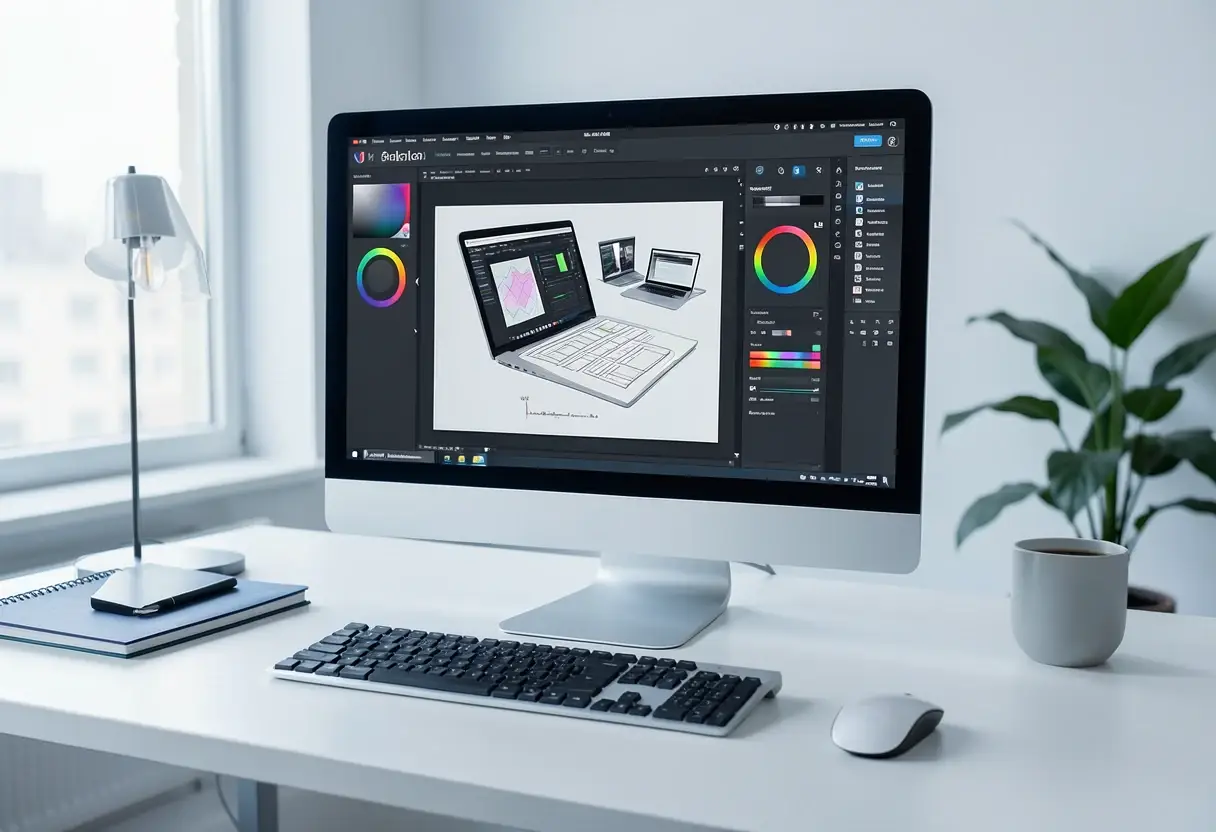
Canva's Free Affinity App Brings Full Creative Suite to iPad
Canva launches a free all-in-one Affinity app for iPad, uniting photo editing, sketching and vectors with Apple Pencil Pro support and AI-assisted masking.

Canva has launched a free, all-in-one Affinity app for the iPad, merging photo editing, illustration, vector work and layout into a single application available now. It replaces the three separate, long-neglected iPad apps — Affinity Photo, Designer and Publisher — that Serif built before Canva acquired Affinity in March 2024.
The headline feature for photographers is Sketch Studio, a freehand drawing space that uses AI to speed the sketch-to-vector workflow. It ships with iPad-first tools including a full-featured Mask Tool and Sketch to Shapes.
"Creative work doesn't stay in one discipline, so your tools shouldn't either," said Duncan Clark, CEO of Pro Design at Canva. "Since we brought Affinity together on desktop, our biggest user request has been the desire to bring it to iPad. Today we're delivering it: a fully-fledged, professional app built for touch."
What does the photo editing include?
The app carries over the desktop editing toolset. RAW processing and editing, selection tools, retouching, compositing and layered workflows all run natively on the tablet. Motion blur and noise reduction work in real time, and photographers can build complex, multi-layered edits directly on the device.
Canva describes the masking workflow in unusually concrete terms. Users can sketch over a photo to plan subject and prop placement, then let the Mask Tool find boundaries as the Apple Pencil traces a difficult edge. "Hair, fur and foliage take a stroke rather than an afternoon," the company says. Every mask, grade and retouch stays live and undoable, "even thousands of layers deep."
Built for touch, not shrunk to fit
Porting a professional desktop suite to iPadOS is rarely straightforward. Canva's answer is a phrase the company leans on: the app is "built for touch, not shrunk to fit." The interface was designed from the ground up for the iPad while staying recognisable to longtime Affinity users. The app also supports all major file types, per Canva.
Apple Pencil Pro support runs deep. The app reads pressure, tilt, barrel roll, squeeze and hover — the full sensor set of the stylus.
"Affinity has built groundbreaking tools for iPad for almost a decade, and our community has shaped every step," Clark added. "This is the result of everything we've heard and learned, worked over until every gesture and panel felt right under the hand."
Affinity's Head of Product Design, Neil Ladkin, framed the project as a genuinely native effort rather than a desktop port. "Every development decision was made by people who create on iPad themselves, from how the Apple Pencil responds to where the tools sit," he said. "If you're the sort of person who rotates the canvas 40 times to get one line right, Affinity for iPad was made by people who've done exactly that."
How free is it, really?
The core functionality — photo editing, sketching, vectors, layout — costs individuals nothing. There's a catch, and it's a familiar one: the AI features scattered across the app require a Canva premium subscription. Everything else runs without payment.
The practical upshot for working photographers is clear. What was once three aging, separately sold iPad apps is now one free, actively developed professional suite that matches the desktop feature set. For iPad-carrying photographers who watched Serif's old apps languish after the 2024 acquisition, Canva has just made the tablet a credible primary editing platform — and with Sketch Studio and deeper AI integration ahead, the company is signalling that the iPad build will evolve in step with desktop, not trail it.
Key points
- Canva launched a free all-in-one Affinity app for iPad, available now
- It replaces the three separate Serif iPad apps left stagnant since Canva acquired Affinity in March 2024
- New Sketch Studio uses AI for sketch-to-vector workflow, plus an iPad-first Mask Tool
- Apple Pencil Pro support covers pressure, tilt, barrel roll, squeeze and hover
- Core features are free; AI features require a Canva premium subscription
Original: apps.apple.com
Marcus Bennett
Show full bio
Correspondent covering companies, deals and strategy in Photography exhibitions, photographers, photo books, festivals and awards at Lens Gazette.